
How the Smith County Court Calendar Works
Smith County gives readers several calendar tools, and each one answers a different question. The county's Quick Links lead to Judicial Search. They also open a District Court Felony Appearance Calendar, a Civil Trial Schedule, and docket pages for individual courts. Odyssey Search Hearings pulls up hearings inside a date range. Smart Search tracks a single case instead. Posted lists often group matters by date or by the type of setting.
Be careful, though. No single calendar covers everything. Nothing spans the five District Courts, the three Courts at Law, the five justice precincts, and the municipal courts in Tyler and other cities. Read the court name printed on your notice or docket. A County Court at Law list does not create a District Court setting. A Tyler municipal date never touches a county criminal case.
| Calendar route | Best use | Limit |
|---|---|---|
| Odyssey Search Hearings | Date-range lookup | Portal can time out or omit restricted matters |
| Odyssey Smart Search | Individual case events | Must confirm identity and assignment |
| Felony Appearance Calendar | Arrest-date assignment logic | Not a full case docket |
| Court-specific page | Local lists and access rules | Only that assigned court |
Arrest Dates Drive Felony Routing
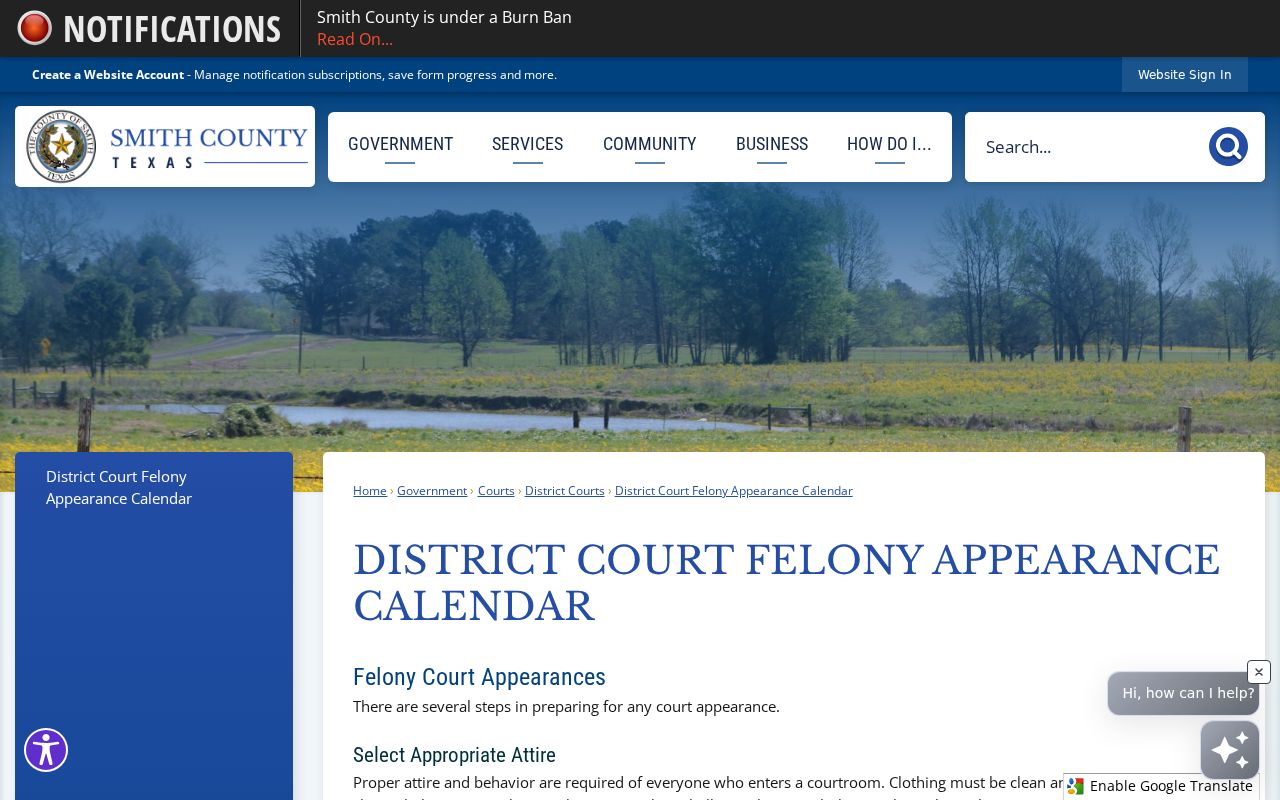
Felony settings in Smith County start with arrest dates. The District Court Felony Appearance Calendar groups defendants by arrest date and assigns each group to a District Court under Senate Bill 7. It lists docket dates and times. It also covers capias treatment and gives instructions for people held in custody.
Treat it as a pointer, not a verdict. The calendar can tell you where to look next, but the individual Smith County criminal docket remains the actual record of the case. The official page linked above shows the current felony schedule as the court publishes it.
A local scheduling tool built on arrest dates works differently from a plain name search. If an arrest date falls close to a published boundary, trust the current calendar and the assigned court, not math of your own. Never work from an old saved copy.
Smith County Court Date Lookups
Use whatever channel fits the case. Start online; if the setting is missing or unclear, go to the clerk or the assigned court. A public counter can handle a docket or copy request, though the county posts no single daily printed calendar and public-terminal policies vary by office. Call before you travel.
- Open Smith Odyssey and use Smart Search for the case or Search Hearings for a date range.
- Verify the cause number, court, case type, party role, and event type.
- Compare the entry with the assigned court's official docket page or specialized calendar.
- Call the District Clerk at 903-590-1660 for district matters or the relevant County Clerk division for Courts at Law.
- Visit the correct counter if a document or in-person confirmation is needed.
Need a Smith County court date in person? The District Clerk sits at 100 N Broadway, Room 204, Tyler. County Clerk civil, misdemeanor, and probate filings live on the third floor at 200 E Ferguson. For justice or municipal matters, call the precinct or city court named on the citation.
CCL2 and CCL3 Times
Court at Law 2 usually holds arraignments at 8 a.m. in the Central Jury Room. A notice in the case file can change that. For civil and family settings, times must be confirmed. The court points parties to Judicial Records Search. A waived hearing changes things. Timing and notice depend on the specific case, so check the docket rather than assuming.
The Court at Law 2 page shows why each room and time should be tied to the court that posted it. Copying a time from one Smith County calendar to another court invites mistakes.
Court at Law 3 posts separate civil, criminal, arraignment, and compliance or status lists. It adds a Thursday morning in-custody jail call. Similar labels across courts do not mean every Smith County docket runs on the same clock.
Court Settings: What Each Field Means
A setting marks a court event that was planned. The docket entry does not prove the hearing happened, and it does not show how the case ended. Read each field next to the entries before and after it.
| Date | The scheduled calendar day, subject to later court action. |
|---|---|
| Time | The appearance time; it may differ by docket category. |
| Courtroom | The room or building assigned to that court event. |
| Judge or court | The judicial assignment that controls confirmation. |
| Setting type | Arraignment, trial, hearing, status, compliance, or another event. |
- Occurrence date
- The date an event happened or was entered.
- Calendar date
- The date on which a future event is set.
- Compliance or status
- A progress-review setting, not a final disposition.
- Continuance
- A court-approved move of an event to a later date.
Zoom Rules Differ by Court
241st District Court states plainly that it no longer holds hearings by Zoom, yet the 7th District Court page says its Zoom hearings can be viewed. Court at Law 3 labels some 2026 and 2027 docket dates with "Zoom Option". That label is no countywide promise. Each Smith County court sets its own remote-hearing rule. The 241st District Court's own page spells this out.
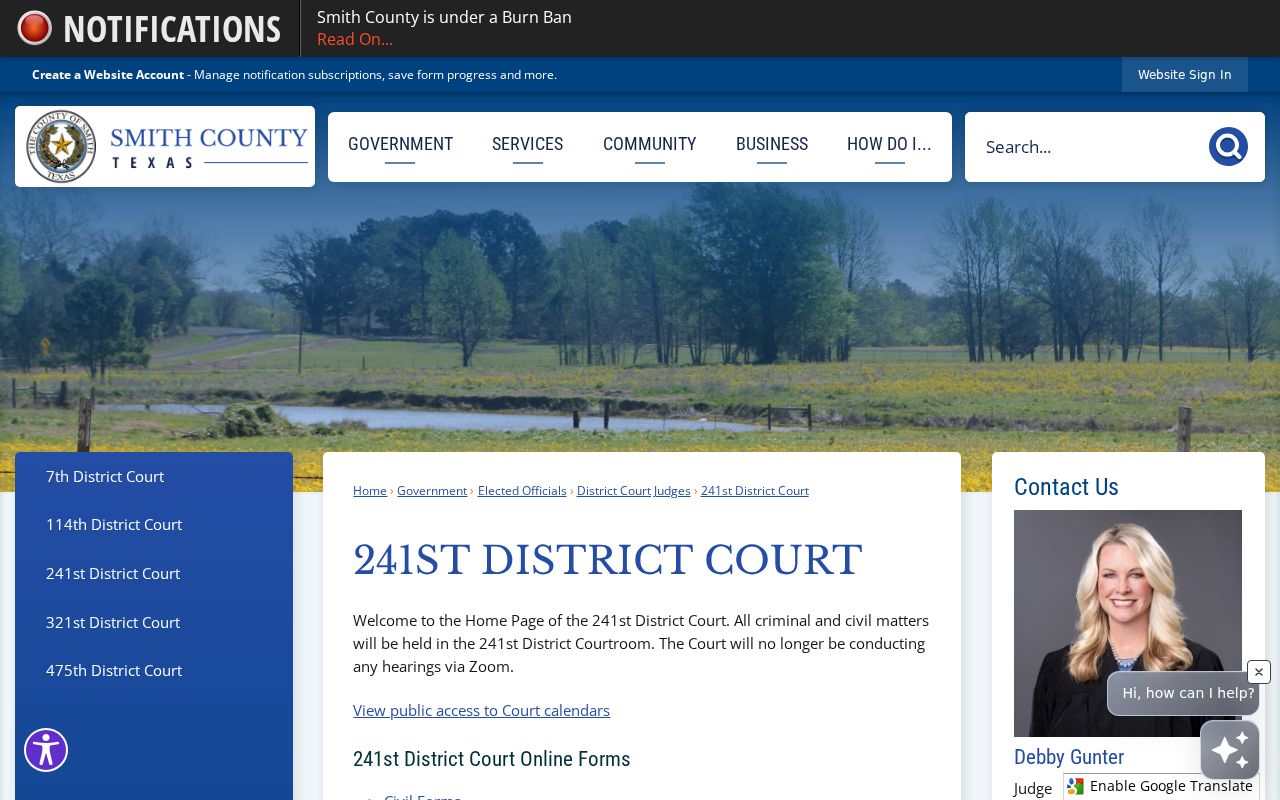
The court-specific statement is a direct warning against copying remote-access instructions from another docket.
Remote-access check: Use the current link or notice from the assigned court. A viewing link does not by itself authorize a party to appear remotely.
When a Court Date Moves
Court dates shift for a few reasons, and the docket words mean different things. A reset swaps one setting for a later date. A continuance is a delay the court has approved. A cancellation simply drops an event from the calendar. None of these moves means the case itself is gone. Check the new docket entry, the signed order, or the court notice. That shows what actually changed.
What if two Smith County dates conflict? Save the notice and write down when you checked the portal. A later entry may settle the question. If it does not, call the assigned court coordinator or clerk. Court at Law 2 and Court at Law 3 both point users to Judicial Records Search for current settings. Treat any saved calendar list as a planning aid rather than permanent proof.
Note: a missing event is never automatic proof of dismissal. It can reflect a reset, a restricted record, an indexing delay, or a portal outage.
Seven Links, Five Courtrooms
Smith County spreads its five District Courts across separate assignments and rooms. The 7th sits in Room 203. The 114th sits in Room 212, and the 241st is in Room 114. The 321st sits on the Annex fifth floor. The 475th is in Room 220. Schedule and form links are also published court by court.
Two official pages help you pin a hearing to its real courtroom. The 114th District Court page matches a hearing to its court and room. The 321st District Court page documents its Annex assignment.
That fifth-floor Annex spot shows why "the courthouse" is not precise enough for planning. Before you travel, confirm both the named court and the room.
When the Portal Is Down
Smith County brought its public judicial search back online on October 21, 2024. That ended an outage stretching across several weeks. The portal going down does not erase a hearing. Lean on the docket notice, phone the assigned court, and reach the correct clerk. Ask whether the office keeps a public terminal. Ask, too, whether it keeps a current printout you can view. One more Odyssey quirk is worth knowing. A public session expires after 60 seconds of inactivity, and the system demands a supported browser, JavaScript, and cookies.
A timed-out session is not the same as a no-result search. Reopen the docket search. Type the precise cause number, and note the court and the next event once the entry appears. Planning a trip? Check the building, room, security, and access rules before you drive over. Bring the notice plus the cause number. County pages give directions to each office. No single consolidated floor plan exists, so confirm the room in advance.
Missed Settings and What Comes Next
Act quickly once you learn a Smith County setting slipped by. Read the newest docket entry first. Still, the portal alone is not enough. A missed criminal setting can carry consequences a missed civil hearing would not. Contact the assigned court or clerk, and do whatever the court instructs.
Do not guess at the remedy. Give the court the cause number, setting date, court name, and contact details. Ask whether an order, warrant, new date, or other action appears. Court staff can explain process but cannot give legal advice.
Got a city or justice citation instead? Use the court printed on the ticket. A call can get you instructions, but local municipal rules may say a phone call is not a formal appearance. Follow whatever that named court puts in writing.